7 Ways to Stop Mindless Scrolling, Ranked From Easiest to Hardest
 7
Mins Read
7
Mins Read
If you want to stop mindless scrolling, don’t count on willpower alone. Researchers who study phone habits note that self-control strategies are often hard to keep up. So many of the fixes they tested change the phone itself instead.
You know the pattern. You pick it up to answer one message and then surf in a feed you never meant to open. That pull is built in. Researchers from Duke and Georgetown who study phone notifications point to the slot machine comparison: the reward arrives at unpredictable moments, and unpredictable rewards are very good at reinforcing a habit.

The seven changes below run from easiest (a setting you can flip in a minute) to hardest (two weeks without mobile internet). Most have been tested in a study, and each study has its limits, which are flagged along the way. If you’re trying to stop mindless scrolling, start at the top and stop wherever the scrolling does.
You’ll also like:
- 5 Simple Screen Changes That May Improve Sleep and Focus
- 6 Easy Morning Habits That Can Change How Your Whole Day Feels
- 5 Yoga Poses to Calm Your Nervous System and Reduce Daily Stress
1. Find Out How Often You Actually Pick It Up
Open your screen time report before you change anything. On an iPhone, it’s under Screen Time in Settings. On Android, open Settings and tap Digital Wellbeing. Then tap the chart to see how often you’ve unlocked the phone and how many notifications you’ve received.
Expect a surprise. In one notification study, participants dramatically underestimated how many alerts they received, and said they wanted about half as many as they believed they were getting.

Don’t expect the numbers to change anything by themselves. Earlier research found that simply tracking screen time didn’t change how people used their phones. The point of this step is to establish a baseline.
Write your numbers down. You’ll want them later.
2. Turn Your Screen Gray
Color is part of the pull. Red badges and bright thumbnails are designed to be noticed. Take the color away, and the feed gets dull fast.
In a study published in Mobile Media & Communication, 84 people, mostly young adults, had their phone use tracked for a week and then switched to grayscale for a week. Daily screen time dropped by about 20 minutes. They also reported less stress, felt more in control of their phones, and felt less like they were overusing them.
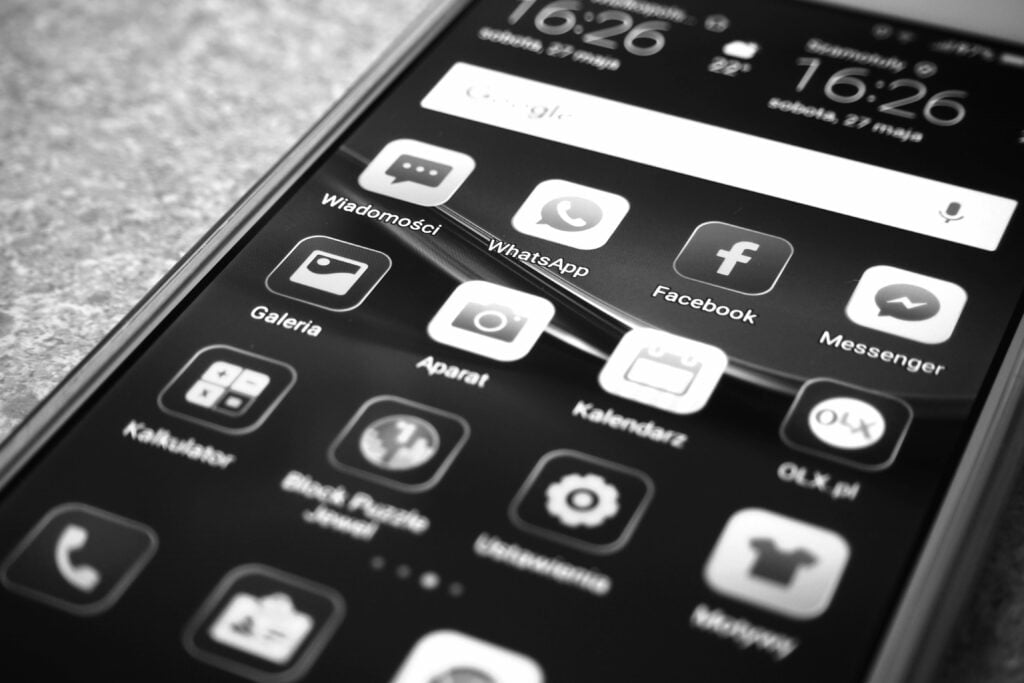
Two catches. They picked their phones up just as often as before; the sessions were simply shorter. Grayscale didn’t improve their sleep or productivity either. On average, participants rated it annoying, so make it easy to switch off when you need color for maps or photos.
How to do it: On an iPhone, grayscale lives under Color Filters in the Accessibility settings. The quickest way to find it is to type “color filters” into the search bar at the top of Settings. On Google Pixel and Samsung phones, grayscale is one of the options in Bedtime mode.
3. Get Your Notifications in Batches
Every buzz is an invitation to scroll. The obvious fix is to switch them all off.
But the research says that can backfire.
In a two-week field experiment, 237 Android users in India were split into four groups. One got notifications as usual; one got them batched every hour, one got them three times a day (at 9 a.m., 3 p.m. and 9 p.m.), and one got none at all.
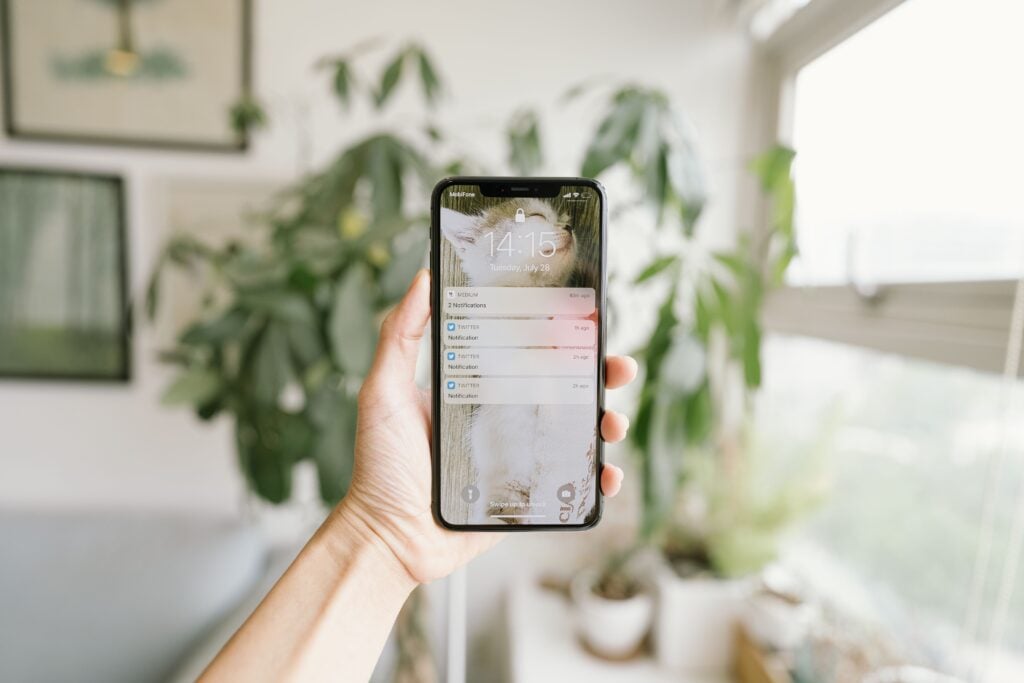
The three-a-day group came out ahead. Compared with the usual-notifications group, they felt more attentive and more productive, reported less stress, and unlocked their phones less often. Hourly batches made little difference. The no-notifications group felt more anxious and more worried about missing something important.
So aim for fewer, predictable check-ins. On an iPhone, the setting is called Scheduled Summary. Search for it in Settings and pick the times you want non-urgent alerts to arrive together. Leave calls and messages from the people who matter set to still come through right away.
4. Put a Pause Between Your Thumb and the Feed
The aim here is a few seconds of delay before an app opens, long enough to decide whether you really want it.
The low-tech version: move social apps off of your home screen into a folder on the last page, and log out after each use so getting back in means typing a password.
A 2023 paper in the journal PNAS followed 280 people using One Sec, an app that interrupts you with a pop-up and a short wait before a chosen app opens. After six weeks, the number of times they actually opened those apps had fallen by 57%. About a third of the time, people closed the app again when the pop-up appeared.

Two caveats. The six-week figures come from app users with no comparison group, and one of the authors created the app. A separate controlled experiment in the same paper found the option to back out was the most effective part of the pop-up, and the wait also helped. The folder-and-logout method adds friction too, but it hasn’t been tested in the same way. Still, if your goal is to stop mindless scrolling on autopilot, a pause is cheap to try.
5. Give Scrolling a Time Slot and a Hard Limit
Give your scrolling a fixed time and a hard stop.
In a University of Pennsylvania study, 143 college-age participants were split into two groups. One capped Facebook, Instagram and Snapchat at 10 minutes per platform per day for three weeks. The other group kept using them as normal. The lead researcher reported that using less social media than usual led to significant decreases in depressive symptoms and loneliness. She was cautious about whether the results would hold for other age groups.
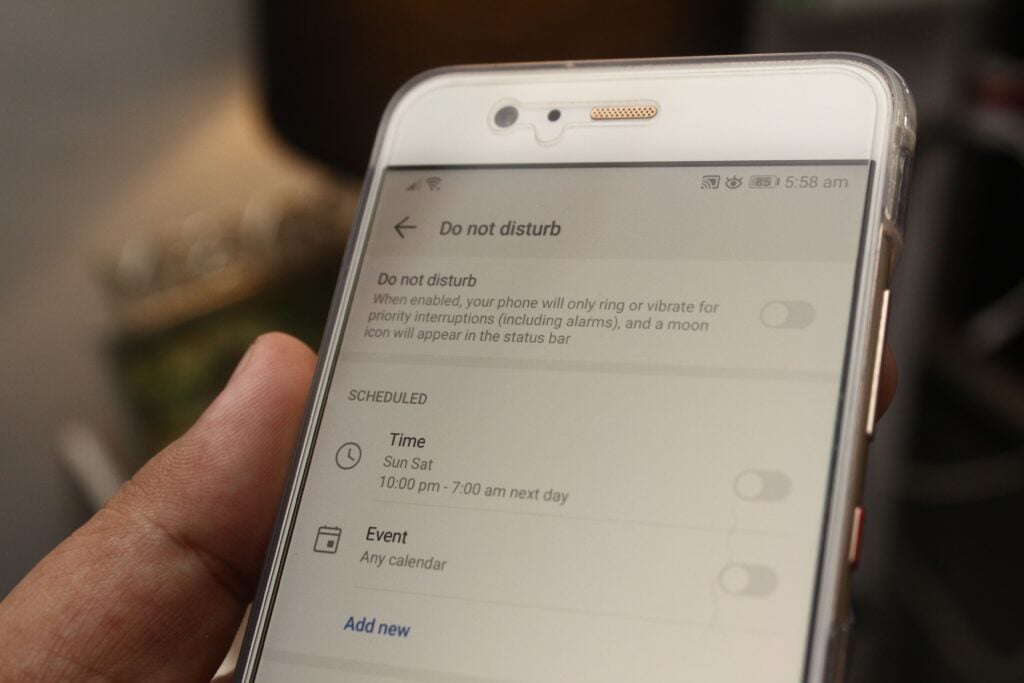
How to do it: Set a daily time limit on the apps you scroll most. On Android, go to Settings > Digital Wellbeing > App timers. On an iPhone, time limits are in the Screen Time settings. Then pick one or two set windows for scrolling, such as lunch or the train ride home, so your brain knows when it’s allowed.
One warning. Self-set limits are easy to tap straight past. Grayscale researchers point out that studies have found people often don’t respect the limits they set themselves. If that’s you, ask someone you trust to set the Screen Time passcode.
6. Give Your Hands Something Physical to Do
Scrolling fills a gap: the bus stop, the kettle, the ad break. Leave a gap empty and the phone slides back in.
Pick a replacement for each moment you usually reach for your phone and make it physical. A paperback in your bag for the commute. A short walk after lunch in place of the lunch scroll. A few stretches while the kettle boils.

There’s a reason to lean on movement and people. In the trial described in the next section, participants who lost mobile internet reported spending more time socializing in person, exercising, and being in nature. Those shifts were linked to their gains in well-being and mental health, though the researchers note this kind of analysis can’t prove cause.
If you want to stop mindless scrolling at night, the same rule works. Charge the phone outside the bedroom and put a book where the phone used to be.
7. Take the Internet Off Your Phone for Two Weeks
This is the hardest change on the list. It’s also backed by the largest study here.
In a randomized trial published in PNAS Nexus in 2025, 467 adults in the US and Canada agreed to install an app that blocked all internet access on their iPhones, Wi-Fi and mobile data, for two weeks. Calls and texts still worked, and they could still go online from a computer.
Among participants in the first group who shared screen time screenshots, average daily screen time fell from 314 minutes to 161. Of those who completed all three surveys, 91% improved on at least one of three measures: well-being, mental health, or the ability to sustain attention.
The well-being and mental health gains were moderate. The attention gain was smaller, though the researchers compared it to reversing about 10 years of typical age-related decline.

Now the honest part. It was hard.
Only about a quarter of the people who signed up kept the block on for at least 10 of the 14 days. Those who slipped still improved, just by less, which the authors read as a sign that cutting back helps even if you don’t go all the way. The volunteers also wanted to use their phones less and knew what the study was testing, which may have shaped their answers.
How to do it: Blocker apps can lock internet access on your phone for a set period. The study used one called Freedom. Before you start, download offline maps and tell the people who rely on you to call or text instead.
Treat it as a two-week experiment. When it ends, you’ll know which apps you missed and which ones you didn’t.
Final Thoughts
Start with the change you can make right away. Grayscale and batched notifications take a few minutes and cost nothing. If the pickups keep coming, work down the list. Each step asks a little more of you and takes a little more of the pull away.

Check your screen time report again in two weeks and compare it with the numbers you wrote down at the start. If they’ve dropped, keep going; if they haven’t, move one step further down. And if you can’t stop mindless scrolling because it’s tangled up with low mood or anxiety that doesn’t lift, talk to a doctor or mental health professional.